
X
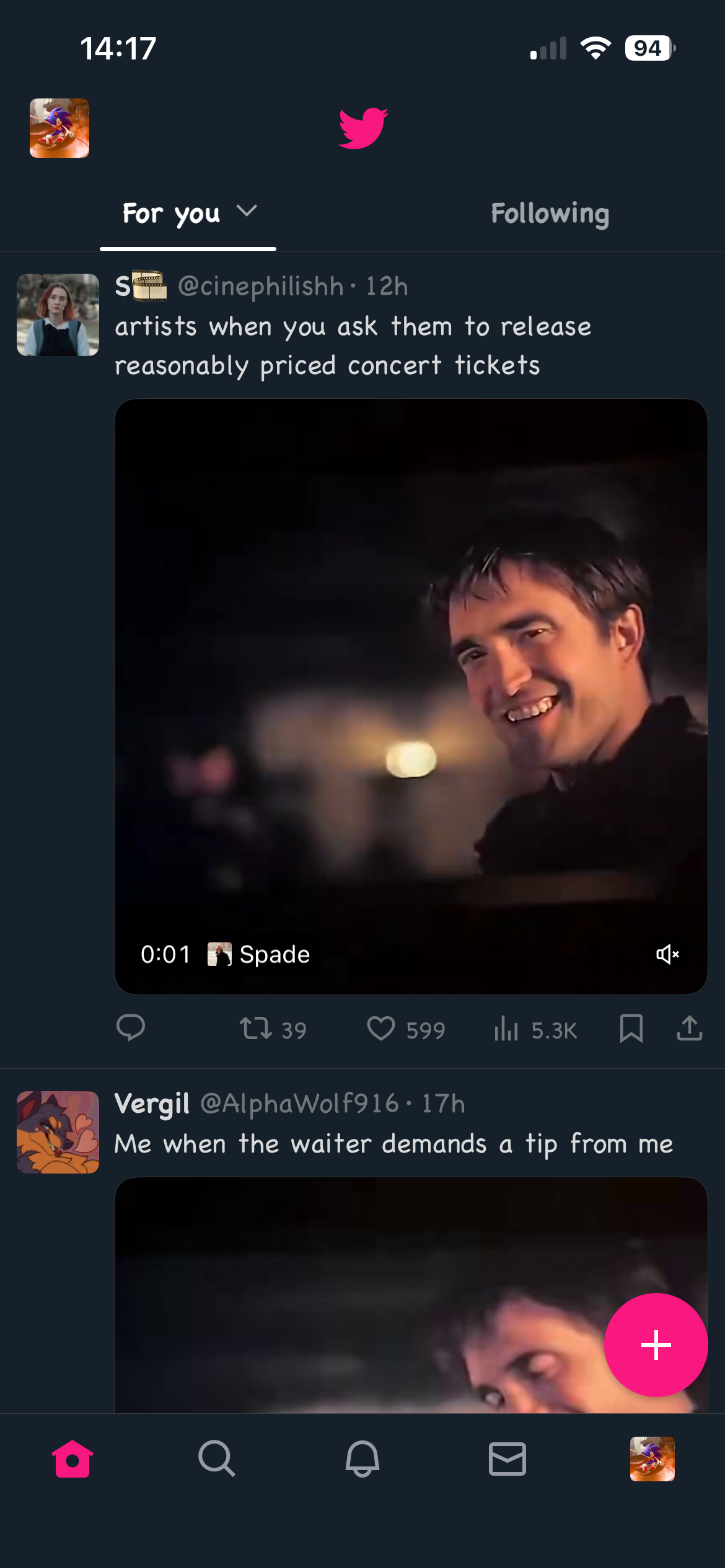
NeoFreeBird · Social
A modified Twitter app, with branding reverts, BHTwitter and other QoL modifications
Need a signing certificate? Signulous
- Version: 7.3.0
- Updated: 2026-10-28
- Size: 273.1 MB
- Requires: iOS 15.0 or later
What's new in 7.3.0
New Features:
• Updated X to 12.38.1 (this now natively supports the iPhone Duo).
• Added an option to hide the "Videos for you" timeline module.
• Hide the “Game” tab at the top of the timeline when a basketball game is ongoing.
• Added an option to reset settings.
• Added an option to use a cus…
About
NeoFreeBird:
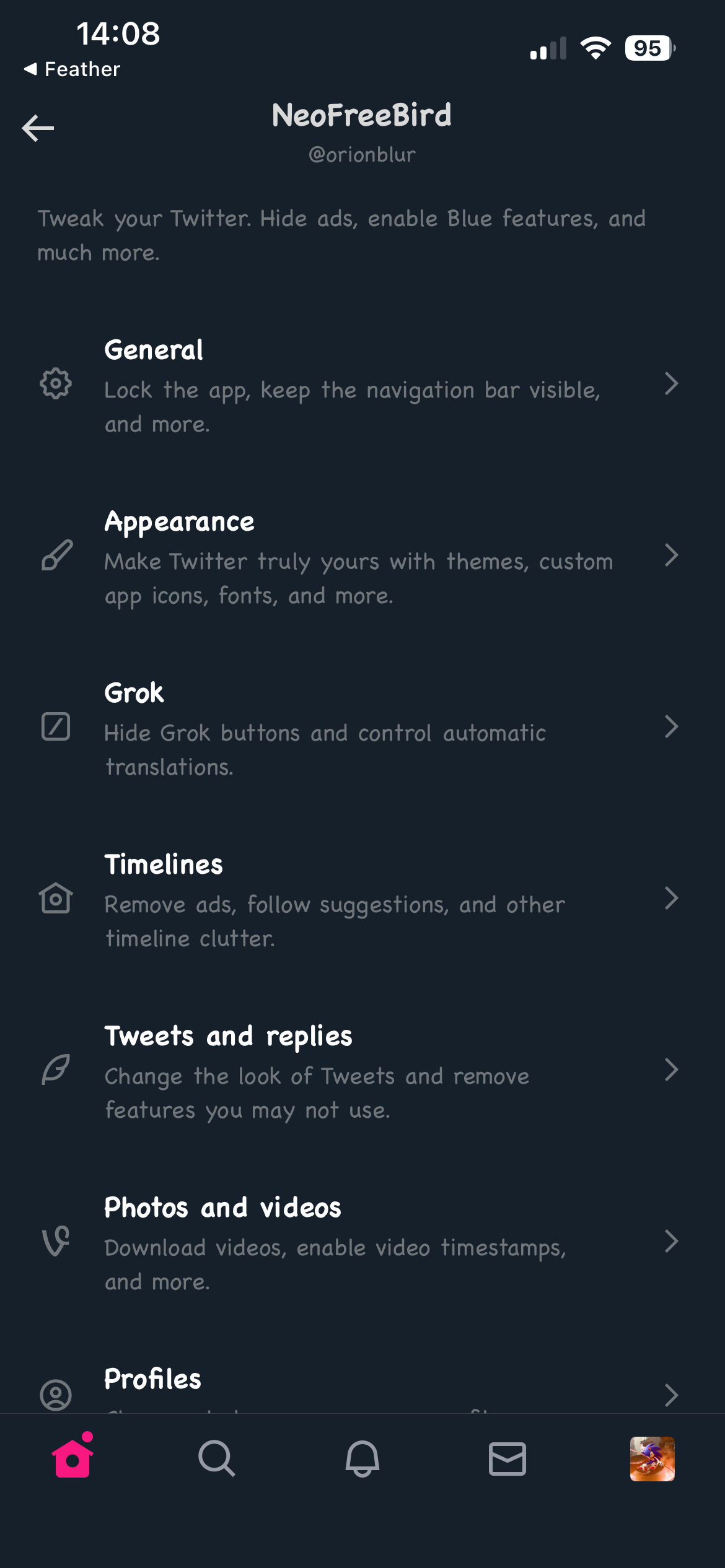
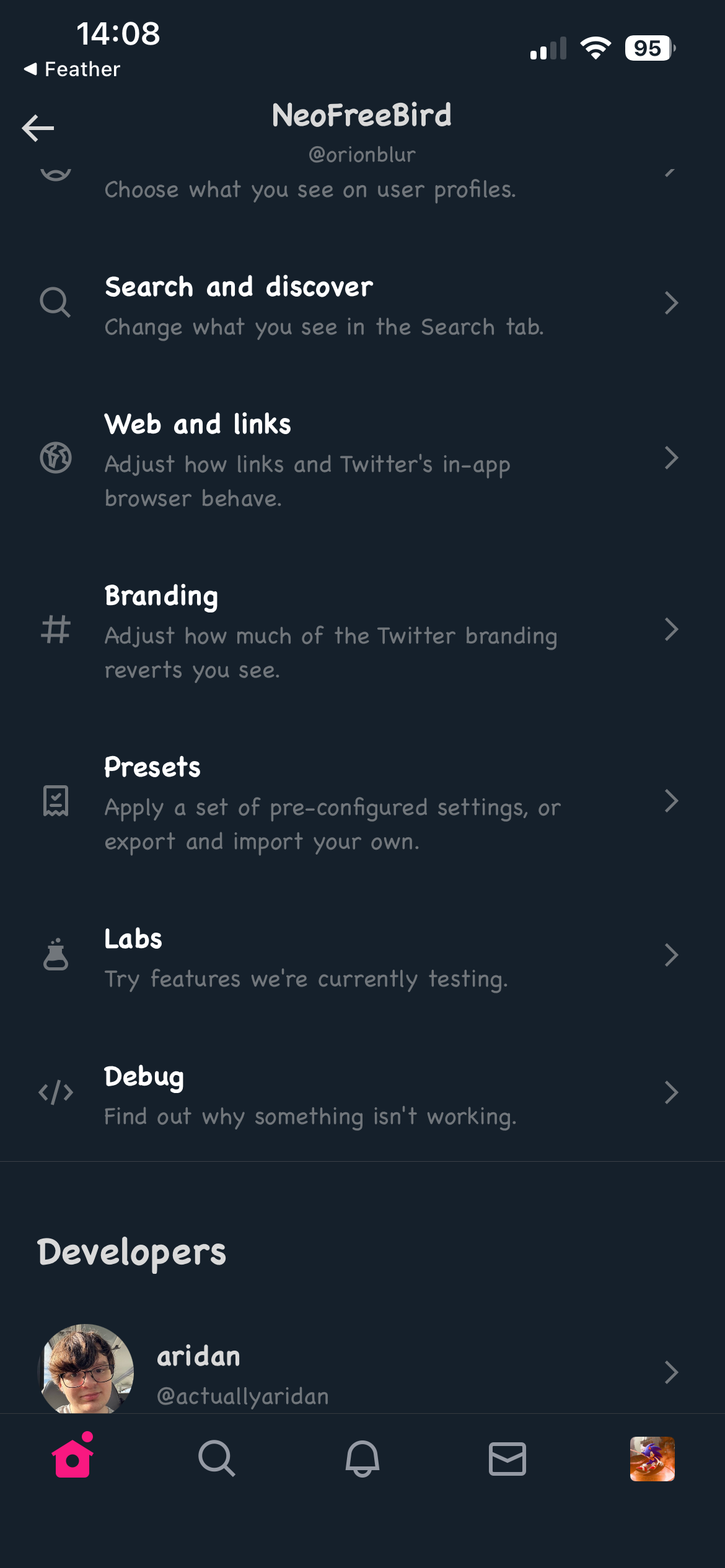
The ultimate way to tweak your Twitter/X experience. Open the NeoFreeBird settings by holding the Twitter/X icon at the top of the main feed. See Opening the settings.
Opening the settings:
Hold down the Twitter/X icon at the top of the main feed (the home timeline). The NeoFreeBird settings page opens.
There is no NeoFreeBird entry in Twitter's own Settings and privacy menu, in Privacy and safety, or in the iOS Settings app. If you cannot find the settings, you are most likely looking in the wrong place.
Which build do I need?:
DEB packages contain only the tweak, not the app, so they cannot change the app icon or name. This is intended behaviour for now. Use an IPA or TIPA build if you want the full NeoFreeBird branding.
Screenshots
Versions
- 7.3.0 · 2026-10-28